
End screen
The End screen is the thank-you message people see after they submit. Every path through your form must finish at an End screen. You can have several, for example one for people who qualify and one for people who don't.
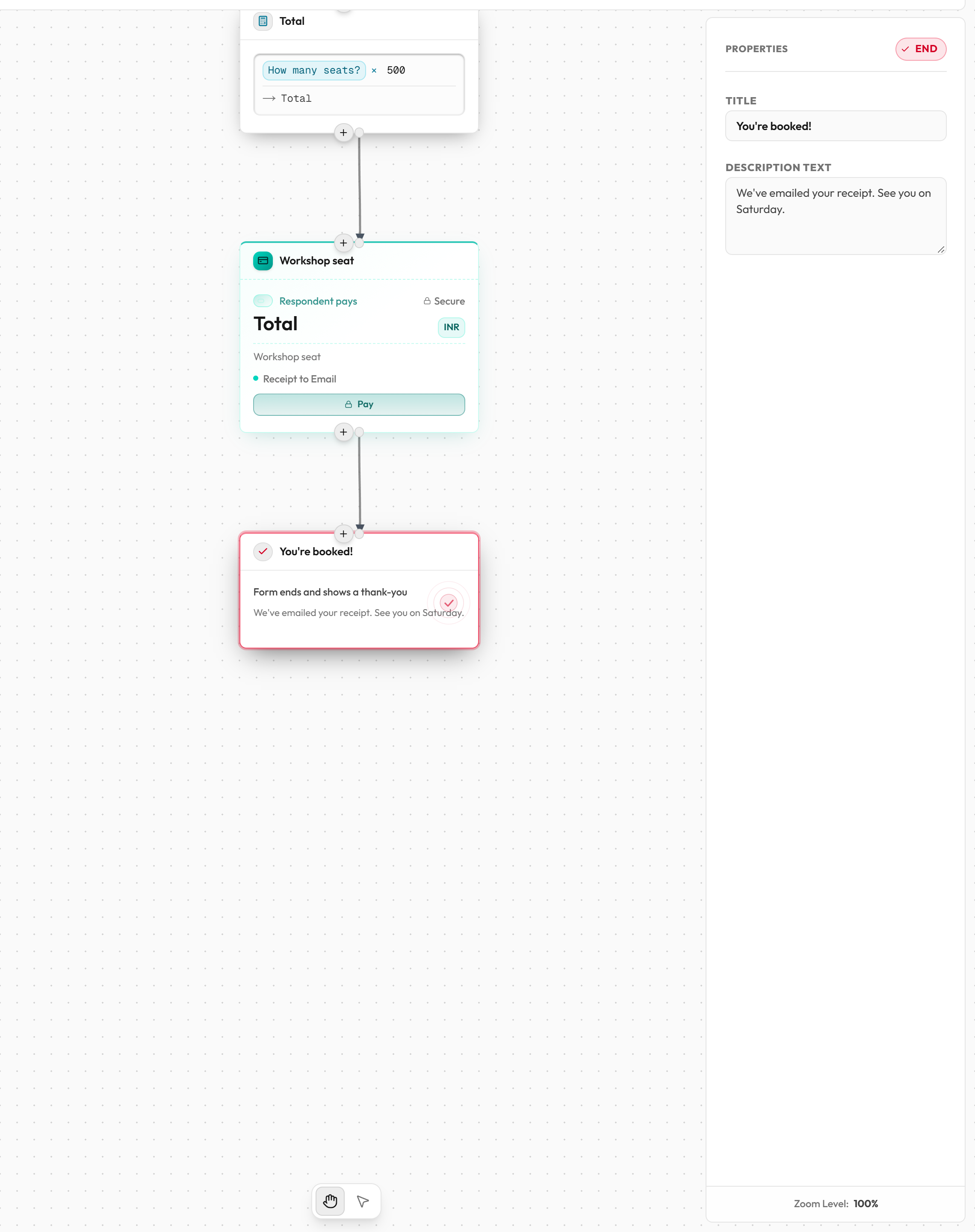
What your respondent sees
After a successful submit: a check mark, the End screen's title and its description. If the description is empty, they see "Your response has been recorded." A Submit another response link lets them fill the form again.
With several End screens, the one shown is the one reached by following the person's answers from Start. If none is reached, the first End screen is shown.
Connections
- One input at the top. Several blocks can connect into the same End screen.
- No output. Nothing comes after it.
- You can't delete the last End screen. A form needs at least one.
How to add an End screen
- Click End screen in the Add to form list, or drag it onto the board.
- Or hover a block, click the + below it, and choose Add Success Screen.
- Drag a connection from the block before it into the End screen.
- In the right panel, set Title and Description text.
Settings
| Setting | What it does | Options / default |
|---|---|---|
| Title | The heading of the thank-you message. Also the block's name in the editor. | Text. New End screens are named "Completion Success Screen". |
| Description text | The message under the heading. | Text. Up to 5,000 characters. If empty, respondents see "Your response has been recorded." |
Example: two endings
You run a scholarship form. Add an If / Else block that checks the marks. Connect Yes to an End screen titled "You're shortlisted" and No to one titled "Thank you for applying".
Common mistakes
| Message | What it means | What to do |
|---|---|---|
| Dead-end flow. The step "X" is missing an outgoing connection or path leading to the Success Screen. | A block has no connection that leads on to an End screen. | Draw a connection from that block to the next block or an End screen. |
| The form flow must have at least one end block. | You tried to delete the last End screen. | Keep at least one. |